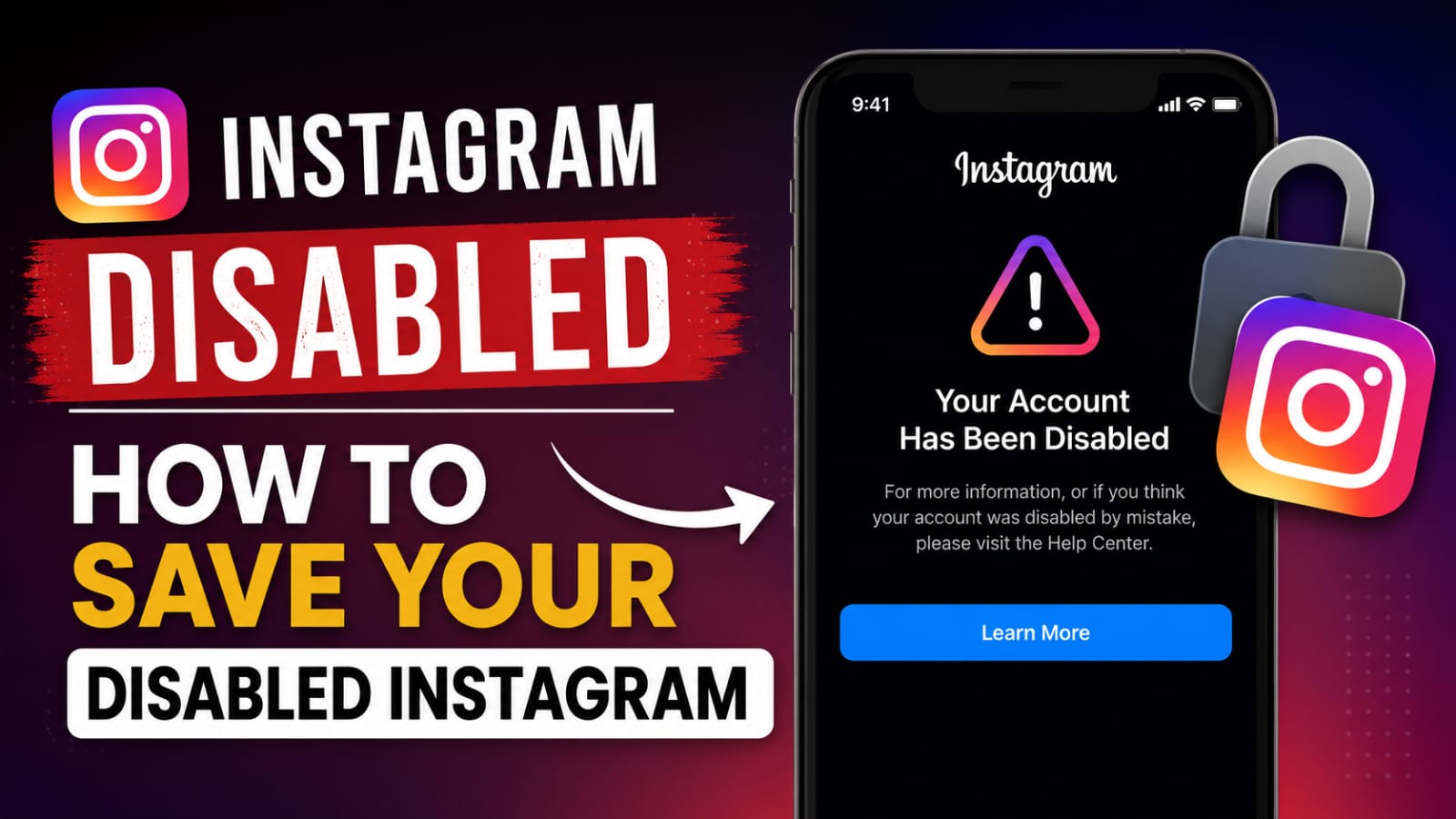
Have you suddenly opened Instagram only to see the dreaded message:
“Your account has been disabled for violating our Terms of Use”
If yes, don’t panic.
Thousands of Instagram users lose access to their accounts every day. Sometimes the account is disabled because of genuine policy violations, while in many cases it happens due to automated detection systems, suspicious activity, excessive following/unfollowing, third-party apps, or even simple mistakes.
The good news is that many disabled Instagram accounts can be recovered if you take the right steps quickly.
In this complete recovery guide, you’ll learn why Instagram disables accounts, how to submit an appeal, what mistakes to avoid, and proven methods to maximize your chances of getting your account back.
Why Does Instagram Disable Accounts?
Instagram continuously monitors accounts to protect users and maintain platform integrity. When the system detects behavior that appears suspicious or violates community standards, an account may be disabled temporarily or permanently.
Common reasons include:
1. Violating Community Guidelines
Instagram may disable accounts that post:
- Hate speech
- Harassment or bullying content
- Graphic violence
- Adult content
- Copyright-infringing material
- Spam content
2. Using Automation Tools
Many users use:
- Auto-likers
- Auto-followers
- Mass DM tools
- Engagement bots
Instagram strongly discourages automated activity and may disable accounts connected to such services.
3. Fake or Misleading Information
Using fake identities, impersonating others, or providing misleading information can trigger account restrictions.
4. Excessive Activity
Actions such as:
- Following hundreds of users rapidly
- Unfollowing large numbers of accounts
- Excessive liking
- Repetitive commenting
can look like bot behavior and lead to account suspension.
5. Third-Party Apps
Unauthorized apps that request Instagram login credentials may compromise account security and trigger automated enforcement.
Types of Instagram Account Disabling
Understanding the type of restriction helps determine your recovery strategy.
Temporary Disable
This usually occurs when Instagram detects suspicious activity.
Symptoms:
- Login restrictions
- Temporary blocks
- Verification requests
Recovery chances: Very High
Permanent Disable
Instagram believes the account seriously violated policies.
Symptoms:
- Account unavailable
- Appeal option displayed
- Permanent disable notification
Recovery chances: Moderate
Hacked and Then Disabled
Sometimes hackers gain access to an account and violate policies, causing Instagram to disable it.
Symptoms:
- Suspicious posts
- Unauthorized activity
- Login changes
Recovery chances: High if reported quickly.
First Steps After Your Instagram Account Is Disabled
When you discover your account has been disabled:
Stay Calm
Many users repeatedly submit appeals or create multiple support tickets, which can slow the review process.
Read the Message Carefully
Instagram often provides clues about:
- Why the account was disabled
- Whether an appeal is available
- Additional verification requirements
Take screenshots for reference.
Check Your Email
Instagram may send emails explaining:
- Policy violations
- Security concerns
- Appeal instructions
Always verify emails are genuinely from Instagram.
How to Appeal a Disabled Instagram Account
The appeal process is the most important recovery step.
Step 1: Log Into Instagram
Open the app and attempt to log in.
If an appeal option appears:
- Tap Learn More
- Select Request Review
- Complete the form accurately
Step 2: Verify Your Identity
Instagram may ask for:
- Full name
- Username
- Email address
- Phone number
Provide information exactly as it appears on your account.
Step 3: Submit Government Identification
In some cases Instagram requests:
- National ID card
- Passport
- Driver’s license
Make sure:
- Text is clear
- Photo is readable
- Information matches account details
Step 4: Wait Patiently
Review times vary significantly.
Possible timelines:
- 24 hours
- Several days
- 1–4 weeks
Avoid submitting dozens of appeals during this period.
Best Appeal Message Template
If Instagram allows you to write a message, use a professional and respectful tone.
Sample Appeal
Hello Instagram Support Team,
I believe my account may have been disabled by mistake. I always try to follow Instagram’s Community Guidelines and Terms of Service.
If any activity on my account triggered a violation, it was unintentional. I respectfully request a review of my account and would appreciate the opportunity to regain access.
Thank you for your time and assistance.
Kind regards,
[Your Name]
What to Do If Instagram Rejects Your Appeal
A rejected appeal does not necessarily mean the account is lost forever.
Try the following:
Submit Additional Verification
If available, provide additional proof of identity.
Check Connected Facebook Accounts
If your Instagram account is linked to Facebook, recovery options may appear through Meta’s account systems.
Review Policy Violations
Carefully analyze whether any content may have violated:
- Community Guidelines
- Intellectual Property Rules
- Spam Policies
Understanding the issue helps you provide better explanations in future appeals.
Common Recovery Mistakes to Avoid
Many users accidentally reduce their recovery chances.
Avoid:
Submitting Multiple Appeals Every Hour
This can appear spammy.
Using Fake Documents
Submitting false information may result in permanent denial.
Hiring Unverified “Instagram Recovery Experts”
Many online recovery services are scams.
Be cautious of anyone promising guaranteed recovery.
Creating New Accounts Immediately
In some situations, creating multiple replacement accounts can complicate identity verification.
How to Protect Your Instagram Account from Future Disabling
Prevention is easier than recovery.
Enable Two-Factor Authentication
This protects your account against unauthorized access.
Benefits:
- Increased security
- Reduced hacking risk
- Better account protection
Avoid Automation Tools
Never use:
- Follower bots
- Auto-comment tools
- Auto-like services
Organic growth is safer and more sustainable.
Follow Community Guidelines
Regularly review Instagram’s rules and ensure all content complies.
Remove Suspicious Third-Party Apps
Periodically check connected applications and revoke access to services you no longer trust.
Secure Your Email Account
Your email account is often the key to account recovery.
Use:
- Strong passwords
- Two-factor authentication
- Updated recovery information
How Long Does Instagram Recovery Take?
Recovery timelines vary depending on:
- Violation severity
- Verification requirements
- Support workload
- Account history
Average recovery periods:
| Recovery Type | Estimated Time |
|---|---|
| Temporary Restriction | 24–72 Hours |
| Standard Appeal | 1–7 Days |
| Identity Verification | 3–14 Days |
| Complex Reviews | Several Weeks |
Patience is often required.
Frequently Asked Questions
Can a permanently disabled Instagram account be recovered?
Yes, some permanently disabled accounts are restored after successful appeals and identity verification. However, recovery is not guaranteed.
Does Instagram respond to every appeal?
Not always. Some appeals receive direct responses, while others are reviewed silently and the account is restored without extensive communication.
Can I contact Instagram support directly?
Instagram provides limited direct support. Most recovery processes occur through official appeal and verification systems.
Will creating a new account affect my appeal?
Generally, it does not help your recovery process. Focus on restoring the original account first.
Final Thoughts
Having your Instagram account disabled can be stressful, especially if you’ve spent years building followers, content, and business connections.
Dear Instagram Team,
I respectfully request that you review and verify my account. I am a real human user, and I have already completed the face verification process. I do not use any automation, bots, or AI to operate my account. Everything on my account is managed personally by me. I kindly ask you to verify my account after reviewing my information. Thank you for your time and consideration.