How to Enable Facebook Content Monetization – Complete Step-by-Step Guide 2026
Facebook has become one of the most popular platforms for creators, businesses, and influencers who want to turn their content into an online income source. In 2026, Facebook Content Monetization can provide eligible creators with opportunities to earn from their original content. However, access depends on several factors, including eligibility, content quality, policy compliance, and the status of your Facebook Page or professional profile.
If you want to learn how to enable Facebook Content Monetization in 2026, this step-by-step guide will help you understand the process.
What Is Facebook Content Monetization?
Facebook Content Monetization is a monetization system that allows eligible creators to potentially earn money from their content on Facebook. Depending on eligibility and available features, creators may earn from eligible videos, reels, photos, text posts, and other content formats.
The exact monetization options available can vary by account, location, content type, and Facebook’s current policies.
Step 1: Use a Facebook Page or Professional Mode
First, make sure you are using a Facebook Page or a profile with Professional Mode, depending on the monetization option available to your account.
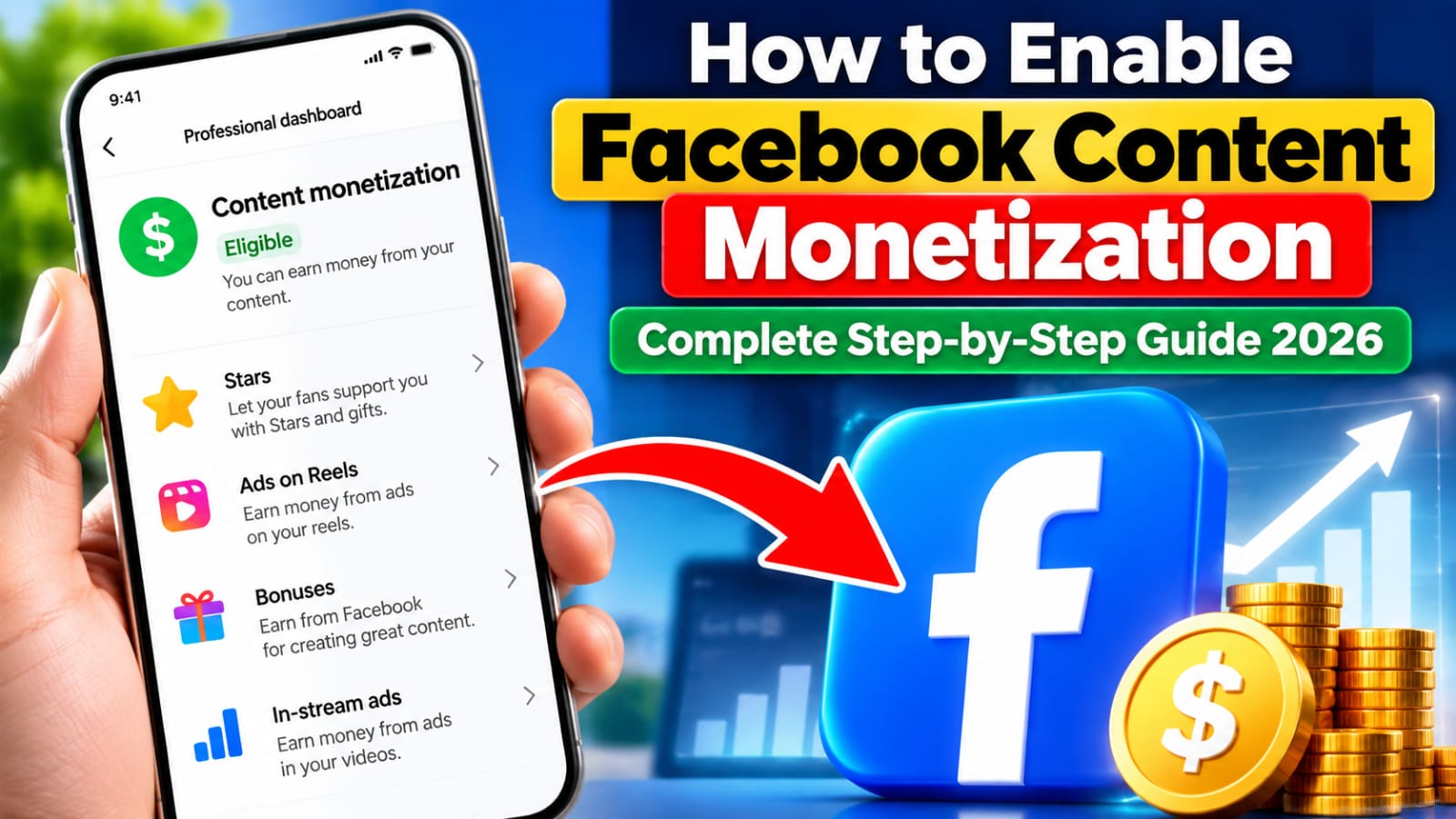
Go to your Facebook profile or Page and open the Professional Dashboard. Look for the Monetization section to check whether Facebook has provided access or eligibility information for your account.
Step 2: Check Your Monetization Eligibility
The next step is to check your account’s current monetization status.
Open:
Professional Dashboard → Monetization
Here, Facebook may show whether you are eligible, not yet eligible, or have access to specific monetization features.
Eligibility requirements can change over time, so always review the requirements shown directly inside your Facebook dashboard.
Step 3: Follow Facebook’s Monetization Policies
Following Facebook’s rules is extremely important. Your content should comply with Facebook’s Community Standards and Partner Monetization Policies.
Avoid copyright violations, misleading content, artificial engagement, reused content without meaningful value, and other policy violations.
Creating original and valuable content can help maintain your Page’s eligibility for monetization.
Step 4: Publish Original and Engaging Content
Consistency is another important part of building a successful Facebook Page.
Try to publish content that provides genuine value to your audience. This could include educational videos, tutorials, entertainment, commentary, original reels, useful tips, or other content relevant to your niche.
Avoid simply downloading and reposting videos from other creators. Instead, focus on creating your own content or adding substantial original value where permitted by Facebook’s policies.
Step 5: Build an Authentic Audience
Having an active and genuine audience is important for long-term Facebook growth.
Encourage real engagement by creating useful posts, responding to comments, asking relevant questions, and maintaining a consistent publishing schedule.
Do not purchase fake followers, views, or engagement. Artificial activity can negatively affect your Page and may create monetization problems.
Step 6: Request Facebook Content Monetization Access
If Content Monetization is not automatically available, you may be able to express your interest or request a review through the available monetization tools in your Professional Dashboard.
You can use a professional message such as:
Hello Facebook Team, I would like to request a review of my Page for access to Facebook Content Monetization. I consistently create and publish original, high-quality content that is designed to provide value and engage my audience. I make every effort to follow Facebook’s Community Standards and Monetization Policies. I am committed to producing authentic content and building a genuine community on Facebook. I would be grateful if you could review my Page and consider enabling Content Monetization if my Page meets the applicable requirements. Thank you for your time and consideration.
This message does not guarantee approval, but it clearly communicates your request and commitment to following Facebook’s policies.
Step 7: Monitor Your Monetization Dashboard
After requesting access, regularly check your Professional Dashboard → Monetization section.
Facebook may display eligibility updates, policy issues, available monetization tools, or additional actions that you need to complete.
Remember that submitting a request does not automatically guarantee monetization. Facebook makes eligibility and access decisions based on its applicable requirements and policies.
Final Thoughts
Learning how to enable Facebook Content Monetization in 2026 is only the first step. Long-term success depends on consistently publishing original content, following Facebook’s policies, building an authentic audience, and monitoring your monetization status.
If your Page is not eligible yet, focus on improving content quality, audience engagement, originality, and overall Page health. Keep checking your Professional Dashboard because Facebook’s monetization programs and eligibility requirements can change over time.