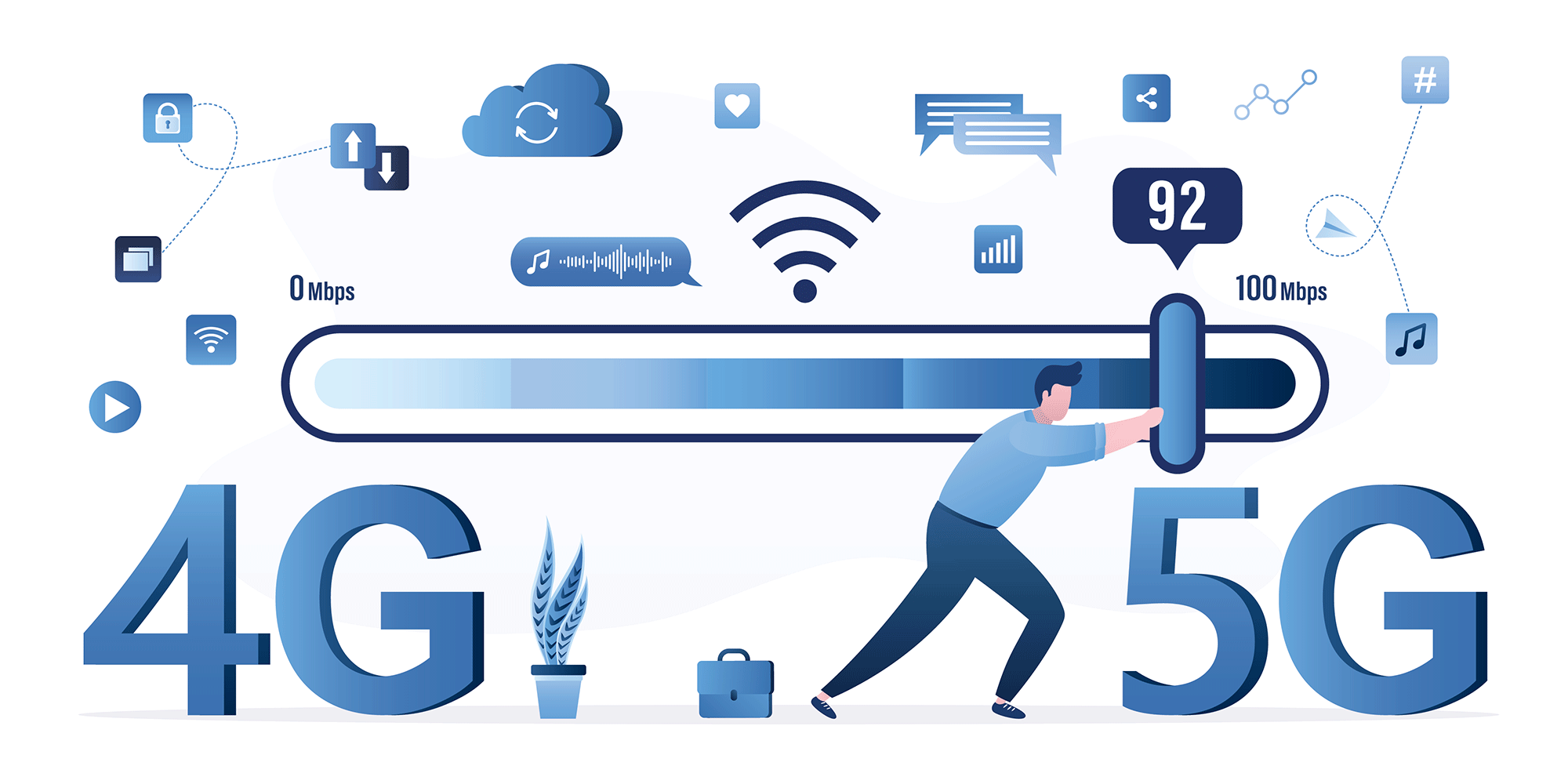
In today’s digital world, a fast and stable internet connection is no longer a luxury—it’s a necessity. Whether you are streaming videos, playing online games, attending virtual meetings, or uploading content on social media, network stability matters more than ever. This is where Force LTE Only (4G to 5G) apps come into play.
Many Android users face problems like frequent network switching between 2G, 3G, 4G, and even 5G, which causes slow internet speed, call drops, and high battery usage. A Force LTE Only app helps you lock your device to a preferred network mode, ensuring smoother performance and better connectivity.
In this detailed guide, we’ll explore everything about Force LTE Only (4G to 5G)—how it works, its features, benefits, how to use it, and whether it’s safe for your device.
What is Force LTE Only (4G to 5G)?
Force LTE Only is a network management tool designed for Android devices that allows users to lock their phone network to LTE (4G) or 5G only, preventing automatic switching to slower networks like 3G or 2G.
Normally, smartphones automatically change networks based on signal strength. While this seems helpful, it often results in unstable internet speeds, especially in areas where network coverage fluctuates. By forcing LTE or 5G, your device stays connected to a high-speed network whenever available.
Why Do Phones Switch Between Networks?
Phones are designed to maintain connectivity at all costs. When the signal drops slightly, the system automatically switches to a lower network band, such as 3G or 2G. This can cause:
-
Sudden internet slowdowns
-
Buffering during video streaming
-
Lag in online games
-
Poor voice call quality
-
Increased battery consumption
A Force LTE Only (4G to 5G) solution stops this unnecessary switching.
Key Features of Force LTE Only (4G to 5G)
Here are some standout features that make this app extremely useful:
🔹 Lock Network to 4G LTE
Force your phone to stay on LTE even when signal fluctuates.
🔹 Enable 5G Mode
On supported devices, switch and lock the network to 5G for ultra-fast speeds.
🔹 Hidden Network Settings Access
Easily access Android’s hidden network menu without dialing complex codes.
🔹 Improved Internet Speed
Enjoy smoother browsing, faster downloads, and better uploads.
🔹 Stable Gaming & Streaming
No more lag spikes or buffering due to network switching.
🔹 Battery Optimization
Reduces power usage caused by constant network searching.
Benefits of Using Force LTE Only (4G to 5G)
Using a Force LTE Only app offers multiple advantages:
✅ Faster Internet Performance
Locking your device to 4G or 5G ensures consistent speed for daily usage.
✅ Better Call Quality (VoLTE Support)
LTE improves voice clarity with VoLTE, especially in supported regions.
✅ No Root Required
Most Force LTE Only apps work without root access, making them safe and easy to use.
✅ Perfect for Weak Signal Areas
Ideal for users living in areas where phones frequently drop to 3G or 2G.
✅ Enhanced Online Earning & Content Uploads
For YouTubers, TikTokers, and freelancers, stable internet is crucial—and this app delivers it.
How to Use Force LTE Only (4G to 5G) on Android
Using the app is very simple. Follow these steps:
-
Install Force LTE Only (4G to 5G) from a trusted source
-
Open the app on your Android device
-
Grant required permissions
-
Access the hidden network settings
-
Select LTE Only or NR (5G) Only mode
-
Apply the settings
Your phone will now stay locked to the selected network.
Does Force LTE Only Work on All Devices?
The app works on most Android smartphones, but functionality may vary depending on:
-
Device brand (Samsung, Xiaomi, Vivo, Oppo, etc.)
-
Android version
-
Carrier restrictions
-
Hardware support for 5G
⚠️ Note: Some carriers may block certain network modes.
Is Force LTE Only Safe to Use?
Yes, Force LTE Only (4G to 5G) is generally safe if downloaded from a trusted source. It does not modify system files or require root access. However:
-
Avoid unknown mod versions
-
Use official or verified apps
-
Switch back to auto mode if you face call issues
Common Issues & Solutions
❌ No Signal After Applying LTE Only
✔ Switch back to automatic network mode.
❌ Calls Not Working
✔ Enable VoLTE from phone settings.
❌ 5G Not Showing
✔ Make sure your device, SIM, and area support 5G.
Who Should Use Force LTE Only (4G to 5G)?
This app is perfect for:
-
Content creators
-
Online gamers
-
Freelancers & remote workers
-
Students attending online classes
-
Anyone frustrated with slow internet
Final Verdict
If you’re tired of unstable internet speeds and constant network switching, Force LTE Only (4G to 5G) is a powerful solution. It enhances speed, stability, and overall network performance—especially for users who rely heavily on mobile data.