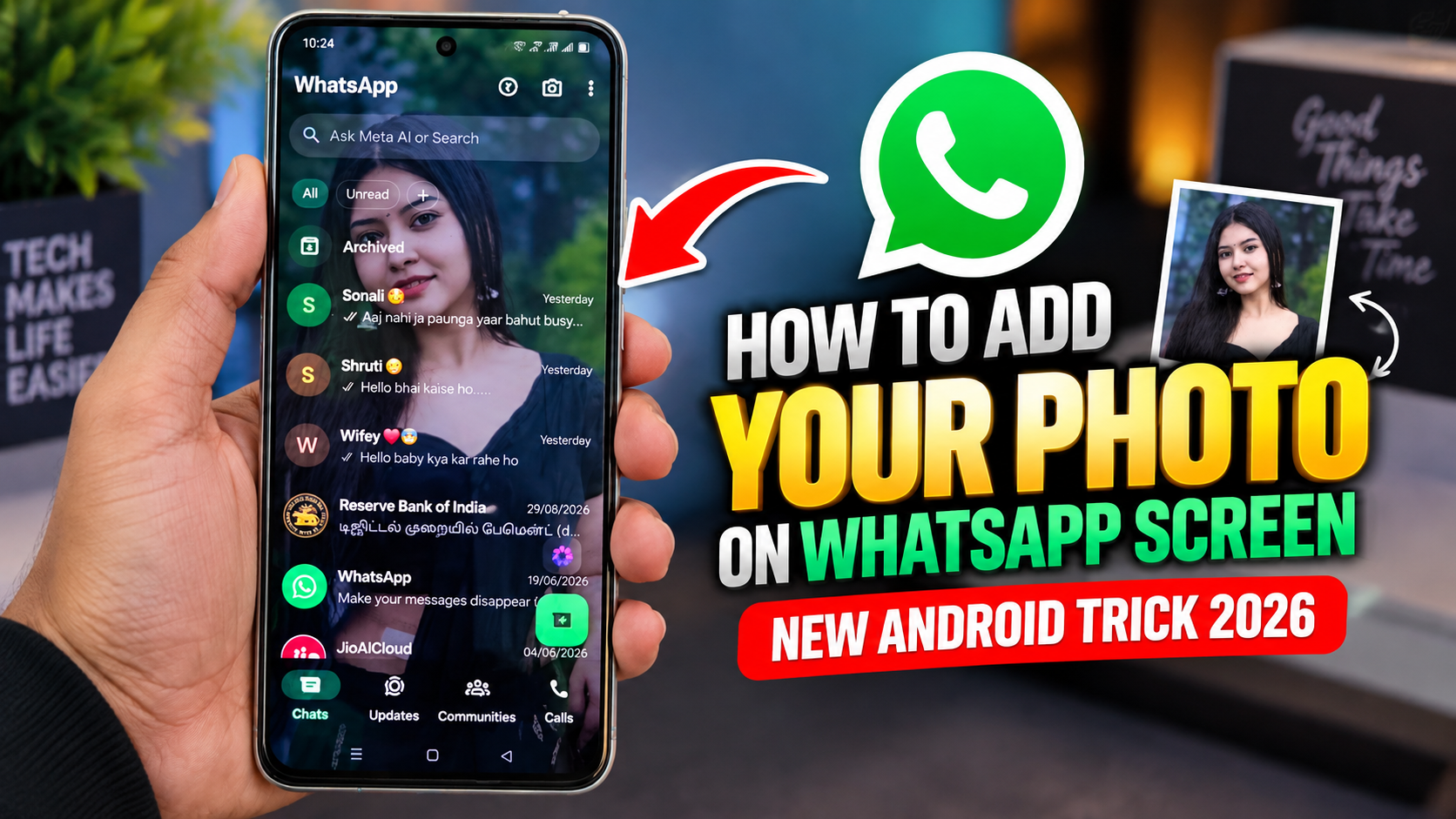
WhatsApp is one of the most popular messaging apps in the world, and millions of Android users use it every day to chat, make calls, share photos, and stay connected with friends and family. But many users still do not know that there are several creative ways to personalize their WhatsApp experience. One interesting WhatsApp Android trick 2026 is adding your own photo to the WhatsApp screen or customizing the appearance of your WhatsApp interface.
If you want to make your WhatsApp look more personal and unique, this guide explains how to add your photo on WhatsApp screen on Android and what options are available depending on your phone and WhatsApp version.
Can You Add Your Photo Directly to the WhatsApp Screen?
Before trying this trick, it is important to understand that the official WhatsApp app does not currently provide a simple built-in setting that lets you place a personal photo anywhere you want on the main WhatsApp screen.
However, Android users can achieve a similar personalized appearance using WhatsApp’s available customization options, wallpapers, profile pictures, widgets, and certain Android customization features.
The exact steps may also vary depending on your Android phone manufacturer, launcher, and WhatsApp version.
Method 1: Set Your Photo as WhatsApp Chat Wallpaper
One of the easiest ways to use your own photo inside WhatsApp is by setting it as a chat wallpaper.
Open WhatsApp on your Android phone and follow these steps:
- Open WhatsApp.
- Tap the three-dot menu in the top-right corner.
- Select Settings.
- Tap Chats.
- Choose Default chat theme or the wallpaper option available on your version.
- Select the option to choose a photo from your gallery.
- Pick your favorite picture.
- Adjust the appearance if the option is available.
- Apply the wallpaper.
Your selected image can now appear as the background of your WhatsApp conversations.
For the best result, choose a high-quality photo with good lighting and avoid images with too much detail because chat messages need to remain easy to read.
Method 2: Change Your WhatsApp Profile Photo
Another simple way to personalize your WhatsApp account is by changing your profile picture.
Go to WhatsApp Settings, tap your profile name or picture, and select the camera or edit icon. Choose an image from your phone gallery and adjust the crop before saving it.
Your photo will then appear as your WhatsApp profile picture when people view your profile or chat with you.
This is one of the easiest WhatsApp customization tricks for Android users in 2026.
Method 3: Use an Android Widget
Some Android phones allow you to add photo widgets to the home screen. This can create the appearance of having your personal photo near your WhatsApp icon.
To try this, long-press an empty area of your Android home screen and look for Widgets. Depending on your phone and installed apps, you may find a photo or gallery widget.
Select the widget, choose your preferred photo, and place it near the WhatsApp icon.
This method does not actually modify WhatsApp itself, but it can make your Android home screen look more personalized.
Be Careful With Third-Party WhatsApp Apps
You may find websites or videos recommending modified WhatsApp applications that claim to provide advanced customization features. These apps can offer additional themes and interface changes, but they may also create security and privacy risks.
For a safer experience, use the official WhatsApp application and Android’s built-in customization features whenever possible. Avoid installing APK files from unknown websites simply to add a photo or theme.
Final Thoughts
The How to Add Your Photo on WhatsApp Screen Android trick 2026 is mainly about combining WhatsApp’s built-in personalization options with Android customization features. While the official WhatsApp app may not allow you to freely place a photo directly on its main interface, you can personalize your experience using chat wallpapers, profile pictures, and Android widgets.
If you want a unique WhatsApp appearance, start with a high-quality personal photo and experiment with the customization options available on your Android device. Always keep WhatsApp updated to the latest official version so you can access new features and security improvements.
Download