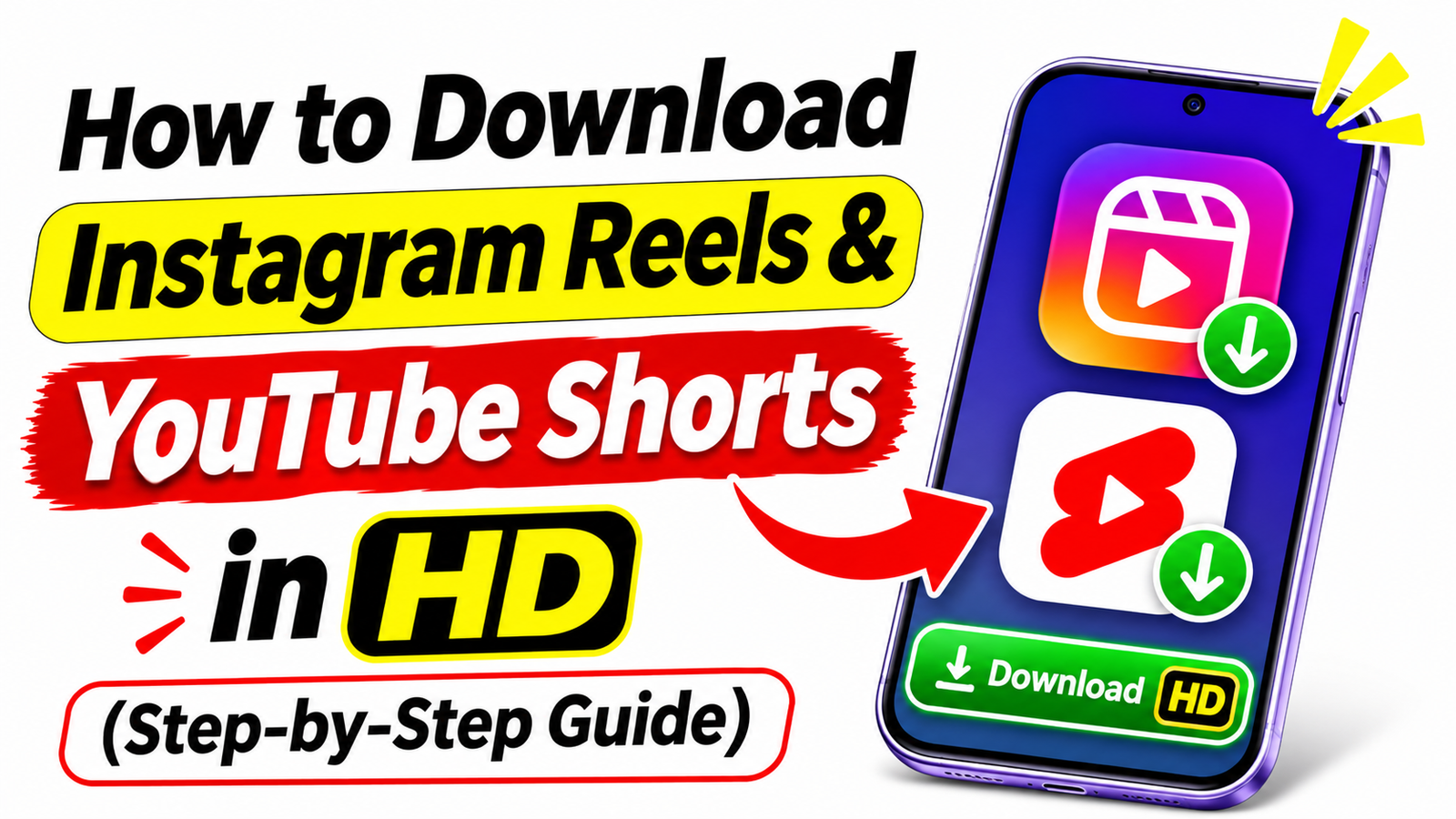
How to Download Instagram Reels & YouTube Shorts in HD (Step-by-Step Guide)
Learn how to download Instagram Reels and YouTube Shorts in HD with easy methods for Android. Explore video quality, offline viewing, and safety tips. Short videos have become a big part of our daily lives. Whether you are watching funny clips on Instagram, learning something new through YouTube Shorts, or discovering useful technology tips, there is always a video you may want to watch again later. Sometimes, you might want to save a video for offline viewing, keep a copy of your own content, or share a useful clip with friends.
However, downloading short videos is not always as simple as it seems. The available options depend on the platform, the type of video, and the permissions provided by its creator. Some videos can be saved directly through the official app, while others may only be available through sharing or bookmarking features.
In this guide, you will learn how to download Instagram Reels and YouTube Shorts in HD, explore the available options for Android users, understand video quality settings, and discover important safety tips before using third-party downloading tools.
Why Do People Want to Download Instagram Reels and YouTube Shorts?
- Instagram Reels and YouTube Shorts contain a wide range of content, including educational videos, entertainment clips, tutorials, cooking ideas, and technology tips. Saving useful content can make it easier to find and watch again.
For example, if you discover a mobile tutorial on Instagram, you might want to keep it available for future reference. Similarly, a YouTube Short explaining a useful Android feature may be something you want to revisit without searching for it again. - There are several reasons people look for Instagram Reels and YouTube Shorts download options. Some want to watch videos when their internet connection is unavailable, while content creators may want to keep copies of their own published videos for editing or backup purposes.
- It is important to understand that saving a video within an app is not always the same as downloading it to your phone. Some features only bookmark content, while others allow you to save a video file to your device
Why Do People Want to Download Instagram Reels and YouTube Shorts?
Instagram Reels and YouTube Shorts contain a wide range of content, including educational videos, entertainment clips, tutorials, cooking ideas, and technology tips. Saving useful content can make it easier to find and watch again.
For example, if you discover a mobile tutorial on Instagram, you might want to keep it available for future reference. Similarly, a YouTube Short explaining a useful Android feature may be something you want to revisit without searching for it again.
There are several reasons people look for Instagram Reels and YouTube Shorts download options. Some want to watch videos when their internet connection is unavailable, while content creators may want to keep copies of their own published videos for editing or backup purposes.
It is important to understand that saving a video within an app is not always the same as downloading it to your phone. Some features only bookmark content, while others allow you to save a video file to your device.
How to Download Instagram Reels in HD
Instagram offers built-in options for saving and sharing Reels. The exact options available may vary depending on your account, region, app version, and the Reel’s settings.
Using Instagram’s Built-In Download Feature
If the creator allows downloads and Instagram makes the feature available for that Reel, you can try the following method.
Open the Instagram app on your Android phone or iPhone and find the Reel you want to download. Tap the Share button and look for the Download option. If it is available, select it and wait for the video to be saved to your device.
Once the download is complete, check your phone’s Gallery or Photos app to see whether the video appears there.
Keep in mind that the Download option may not appear on every Reel. Private content, creator restrictions, account settings, and platform limitations can affect availability.
What If the Download Option Is Missing?
If you cannot find the Download button, you can use Instagram’s built-in Save feature to bookmark the Reel for later viewing.
Open the Reel, tap the three-dot menu or the available options button, and select Save when that option is displayed. You can usually find saved posts in the Saved section of your Instagram profile.
Remember that bookmarking a Reel does not download it to your phone. You will generally need an internet connection to watch the original video, and the content may become unavailable if the creator removes it.
If you need an offline copy, consider asking the creator for permission to obtain the original video file.
How to Download YouTube Shorts in HD
YouTube Shorts is another popular platform for watching short videos. Users frequently search for ways to download Shorts in high quality, especially when they want to revisit educational content or keep their own videos for future use.
YouTube provides official options for downloading videos, but availability depends on the video, your location, and the features supported by your account.
Download YouTube Shorts Using Official Options
Open the YouTube app and find the Short you want to watch later. Check the available options for a Download button. If YouTube offers the download for that video, select it and follow the on-screen instructions.
Depending on your location and account, you may need a YouTube Premium subscription to use certain download features. In some regions, YouTube also provides offline viewing options under specific conditions.
Downloaded videos are generally stored within the YouTube app rather than as ordinary MP4 files in your phone’s Gallery. They may also require periodic internet access to remain available for offline playback.
This is an important difference to understand before choosing a download method.
Download YouTube Shorts Using Official Options
Open the YouTube app and find the Short you want to watch later. Check the available options for a Download button. If YouTube offers the download for that video, select it and follow the on-screen instructions.
Depending on your location and account, you may need a YouTube Premium subscription to use certain download features. In some regions, YouTube also provides offline viewing options under specific conditions.
Downloaded videos are generally stored within the YouTube app rather than as ordinary MP4 files in your phone’s Gallery. They may also require periodic internet access to remain available for offline playback.
This is an important difference to understand before choosing a download method.
How to Download Your Own YouTube Shorts
If you are a content creator, keeping a backup of your own Shorts can be useful when you want to edit a video again, publish it on another platform, or protect your original work.
You can check the options available for your own videos through YouTube Studio or the relevant video management features provided by YouTube.
Whenever possible, keep the original video file on your phone or computer before uploading it. An original copy can help you preserve the best available quality and avoid losing details through repeated compression.
If you are a content creator, keeping a backup of your own Shorts can be useful when you want to edit a video again, publish it on another platform, or protect your original work.
You can check the options available for your own videos through YouTube Studio or the relevant video management features provided by YouTube.
Whenever possible, keep the original video file on your phone or computer before uploading it. An original copy can help you preserve the best available quality and avoid losing details through repeated compression.
How to Get Better Video Quality When Downloading
Video quality is important when downloading Instagram Reels and YouTube Shorts. The final quality depends on the original video, available download options, and compression.
Understand HD, Full HD, and 4K Quality
HD usually means 720p, Full HD means 1080p, and 4K means 2160p. For most mobile users, HD or Full HD provides a good viewing experience.
However, downloading a video in 4K does not improve its original quality if it was uploaded in a lower resolution.
Check the Original Video Quality
Before downloading, check the available resolution options. Choose the highest suitable quality when available.
If you are downloading your own videos for editing, always keep the original files to preserve the best possible quality.
Best Way to Save Videos on Android Phones
Android users can save their favorite videos using Instagram’s Save feature or YouTube’s offline viewing option. If you want to keep an actual video file, check whether the platform provides an official Download option. For your own videos, keeping the original file is the best way to preserve quality. Also, make sure your phone has enough storage space, because HD videos can take up more space than you might expect.
Is It Safe to Use Third-Party Video Downloader Websites?
- Many websites allow users to download Instagram Reels and YouTube Shorts by pasting a video link. However, not every online video downloader is safe or reliable. Some websites may show misleading download buttons, unwanted advertisements, or redirects to suspicious pages.
- Before using a third-party downloader, check its reliability and avoid websites that ask for your Instagram or Google password. Never install unknown APK files or grant unnecessary permissions that could put your personal information at risk.
- You should also respect copyright rules when downloading videos. Publicly available content does not automatically give you permission to reuse or repost it. Whenever possible, use official download options or get permission from the original creator before using their content.
A Useful App for Downloading and Managing Videos
If you regularly save Instagram Reels and YouTube Shorts, a video downloader app may help you manage supported downloads more conveniently. Before installing any app, check its features, user reviews, privacy policy, and required permissions to make sure it is safe and suitable for your needs.
Recommended App for Video Downloads
If you want to explore an app for downloading videos, check out the option below.
The app is available on the Google Play Store, where users can check its features, ratings, and reviews before installing it. For the best experience, make sure you download the official app and keep it updated. Always respect content creators’ rights and follow the relevant platform’s rules when downloading or reusing videos.
Conclusion
Downloading Instagram Reels and YouTube Shorts in HD is easier when you know which options are available. Instagram provides a Download feature for eligible Reels, while YouTube offers offline viewing for supported videos. If you regularly create content, keeping your original video files is a great way to preserve quality and maintain backups.
You can also explore reliable apps available on the Google Play Store to find tools that suit your needs. Always check app permissions and respect content creators’ rights when downloading or reusing videos.
We hope this guide helped you understand the available methods. Which method do you prefer for saving videos on your phone? Share your experience in the comments!
Frequently Asked Questions
1. Can I download Instagram Reels in HD for free?
Yes, you can download eligible Instagram Reels for free when the Download option is available. Open the Reel, tap the Share button, and select Download. The video will be saved to your phone if the feature is supported. Availability may depend on the creator’s settings and your region.
2. Can I download YouTube Shorts directly to my phone Gallery?
YouTube allows offline downloads for supported videos, depending on your location and account. However, these downloads are usually available inside the YouTube app rather than directly in your phone’s Gallery. If you created the Short, you can save the original video file to your phone before uploading it.
3. How can I download Instagram Reels without losing video quality?
To get the best possible quality, choose the highest resolution available when downloading a video. The final quality depends on the original video and the downloader you use. Keep in mind that downloading a low-resolution video in HD or 4K will not restore details that are missing from the original.
4. Are Instagram and YouTube video downloader apps safe to use?
Some video downloader apps are safe to use, but you should check their Google Play Store ratings, reviews, privacy policy, and requested permissions before installing them. Avoid apps that ask for your Instagram or Google account password unnecessarily. Always use trusted sources and respect copyright rules when downloading or sharing someone else’s content.