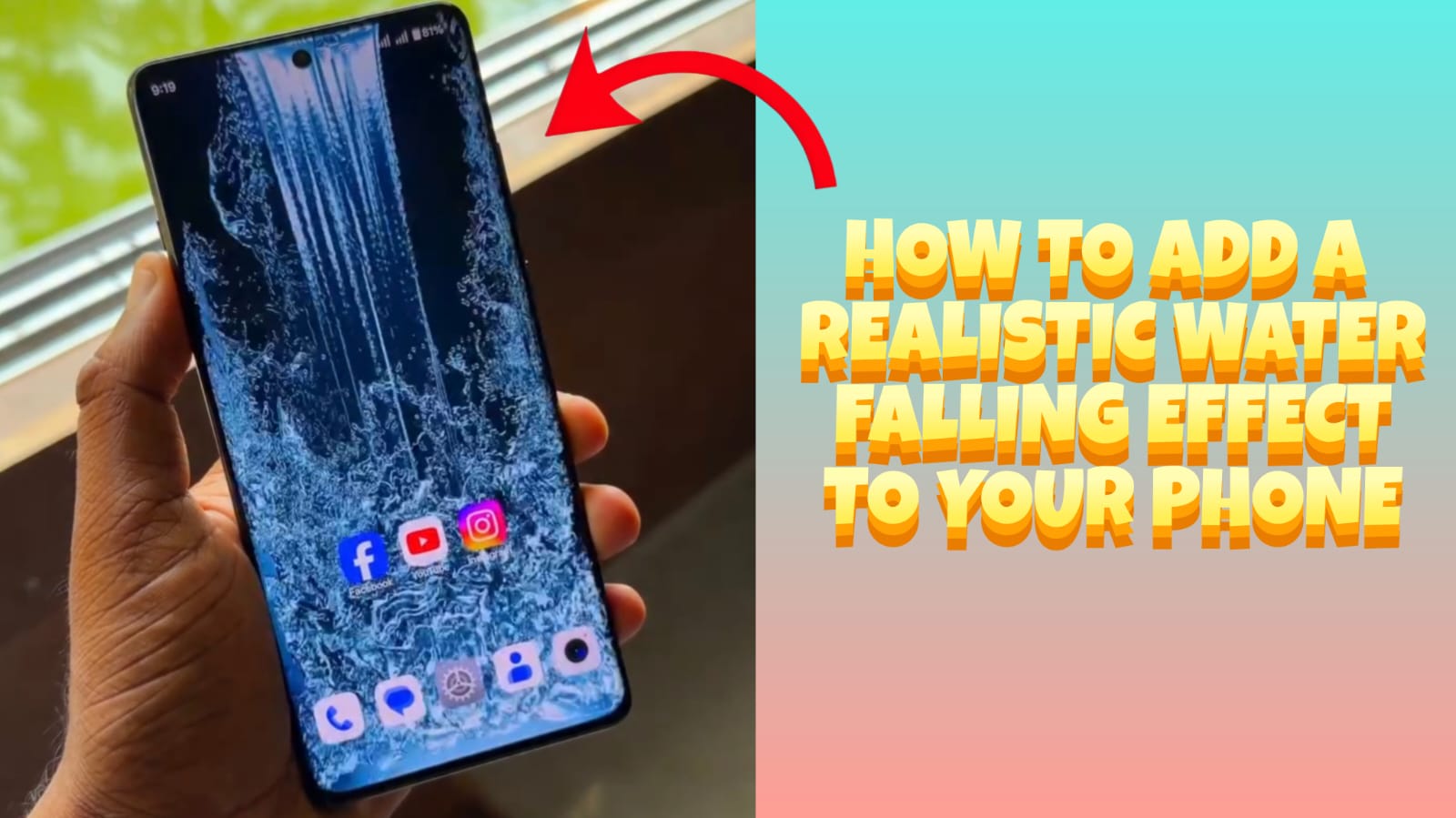
Have you ever seen a smartphone with a beautiful waterfall flowing across the screen and wondered how it was created? The good news is that you don’t need an expensive phone or paid software to enjoy this amazing visual effect.
With the help of free Android apps, you can transform your home screen into a stunning display featuring realistic flowing water, waterfalls, rain effects, and interactive animations. These effects respond to touch and movement, making your phone feel more alive and unique.
In this guide, you’ll learn exactly how to add a realistic water falling effect to your mobile screen for free, along with tips to improve performance and battery life.
What Is a Water Falling Effect?
A water falling effect is a live animated wallpaper that simulates flowing water or a waterfall on your phone’s screen.
Depending on the app you choose, it may include:
- Flowing waterfall animation
- Water ripples when you touch the screen
- Rain effects
- HD and 4K backgrounds
- Nature sounds (optional)
- Interactive touch effects
- Motion sensor support
These wallpapers make your phone look modern and attractive without changing your actual operating system.
Benefits of Using a Water Falling Wallpaper
There are several reasons why Android users love these effects.
1. Beautiful Appearance
Your phone instantly gets a premium and eye-catching look.
2. Interactive Experience
Touch the screen and watch realistic ripples appear on the water.
3. Completely Free
Most live wallpaper apps offer free versions with plenty of beautiful designs.
4. Easy to Install
No rooting or technical knowledge is required.
5. Lightweight Apps Available
Many apps are optimized to consume minimal battery and RAM.
Requirements Before You Start
Before installing a live water wallpaper, make sure you have:
- Android 8.0 or later
- At least 100 MB of free storage
- Internet connection for downloading the app
- Permission to set Live Wallpapers
Step-by-Step: Add a Realistic Water Falling Effect
Step 1: Open Google Play Store
Launch the Play Store on your Android device.
Step 2: Search for Water Live Wallpaper
Search for terms like:
- Waterfall Live Wallpaper
- Water Ripple Live Wallpaper
- Nature Live Wallpaper
- Live Water Wallpaper HD
Choose an app with:
- High ratings
- Millions of downloads
- Recent updates
- Positive user reviews
Step 3: Install the App
Tap Install and wait for the download to finish.
Step 4: Open the Application
Launch the app after installation.
Most apps provide a preview before applying the wallpaper.
Step 5: Choose Your Favorite Waterfall
Browse different categories such as:
- Mountain waterfalls
- Forest waterfalls
- Rainy landscapes
- River streams
- Ocean waves
- Crystal water
- Water caves
Select the wallpaper you like most.
Step 6: Customize the Effects
Many apps allow customization.
You can adjust:
- Water speed
- Ripple intensity
- Animation quality
- Touch interaction
- Particle effects
- Brightness
- Frame rate
- Sound effects
Customize these according to your preference.
Step 7: Apply the Wallpaper
Tap:
Set Wallpaper
Then choose:
- Home Screen
- Lock Screen
- Both
Your phone will now display a realistic flowing waterfall.
Best Free Apps for Water Falling Effects
Some popular options include:
- Water Garden Live Wallpaper
- Waterfall Live Wallpaper
- Forest Live Wallpaper
- Rain Live Wallpaper
- Water Ripple Live Wallpaper
- Nature Live Wallpaper HD
Always download apps from trusted developers with good ratings.
Will It Slow Down My Phone?
Usually, no.
Modern Android phones handle live wallpapers efficiently.
However, older devices with limited RAM may experience:
- Slight battery usage increase
- Minor performance reduction
If that happens:
- Lower animation quality
- Disable sound effects
- Reduce frame rate
Battery Saving Tips
To keep battery consumption low:
- Lower screen brightness.
- Use static wallpaper when battery is low.
- Disable unnecessary animations.
- Close background apps.
- Choose lightweight live wallpaper apps.
- Turn off sound effects.
Can I Use It Without Root?
Yes.
No rooting is required.
Simply install the app and apply the wallpaper like any normal background.
Is It Safe?
Yes, provided you:
- Download apps only from the Google Play Store.
- Read user reviews.
- Avoid apps requesting unnecessary permissions.
- Keep the app updated.
Common Problems and Solutions
Wallpaper Isn’t Moving
Restart the app and reapply the wallpaper.
Battery Drains Quickly
Reduce animation quality and disable interactive effects.
App Keeps Crashing
Update the app or reinstall it.
Wallpaper Looks Blurry
Select the highest available resolution (HD or 4K).
Tips for the Best Experience
For the most realistic effect:
- Use AMOLED-friendly wallpapers if your phone has an AMOLED display.
- Enable smooth animations.
- Select HD or 4K backgrounds.
- Avoid running too many live wallpapers simultaneously.
- Update the wallpaper app regularly.
Frequently Asked Questions
Is the water falling effect free?
Yes. Many Android apps provide free live waterfall wallpapers with optional premium features.
Does it work on all Android phones?
Most Android devices running Android 8.0 or later support live wallpapers.
Does it require an internet connection?
Only for downloading the app. Once installed, most wallpapers work offline.
Can I add the effect to the lock screen?
Yes, many live wallpaper apps let you apply the effect to both the home screen and lock screen.
Does it damage the phone?
No. Live wallpapers are a standard Android feature and are safe when downloaded from trusted sources.
Final Thoughts
Adding a realistic water falling effect to your mobile screen is one of the easiest ways to personalize your Android device. With free live wallpaper apps available on the Google Play Store, you can enjoy beautiful flowing waterfalls, interactive water ripples, and stunning HD nature scenes without spending any money.